
HTTP/3 is the easiest protocol upgrade you will ever ship — most CDNs make it a single toggle — and also the easiest to believe you shipped when you didn't. Because of how discovery works, a browser can happily speak HTTP/2 to an edge that has QUIC enabled and never tell you. This guide covers the enable step in one section and spends the rest on verification, because that is where the real work is.
How HTTP/3 discovery actually works
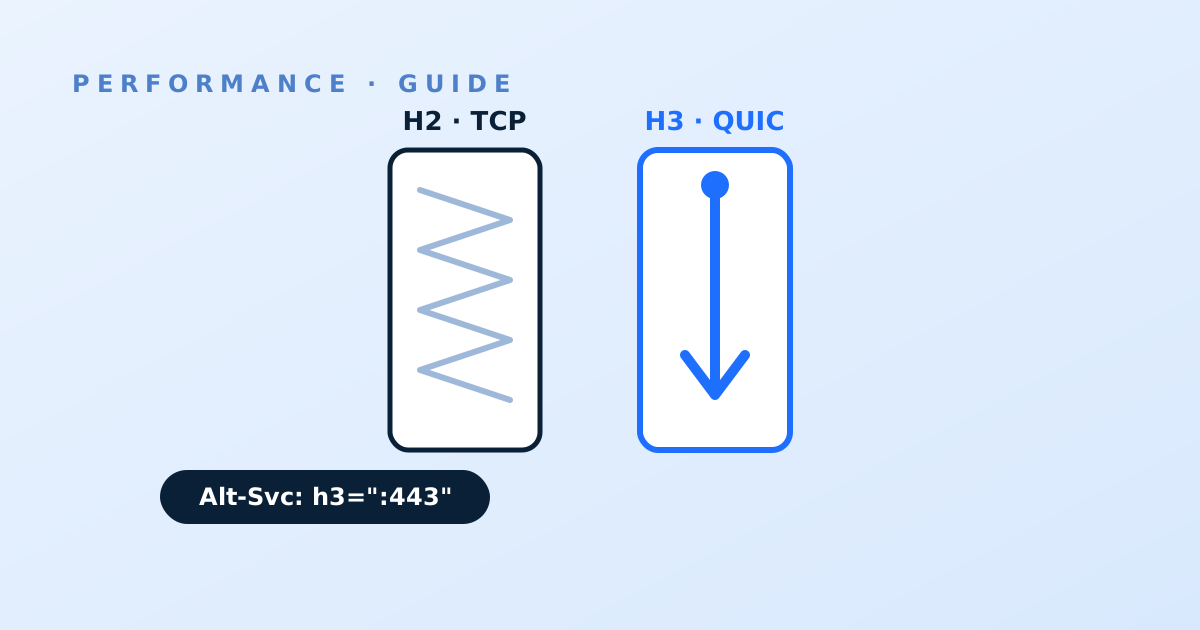
HTTP/3 runs over QUIC, which runs over UDP — a different transport from the TCP your HTTP/2 connections use. A browser cannot know in advance that a hostname speaks QUIC, so the first visit almost always lands on HTTP/2 over TCP. The edge then advertises HTTP/3 in an Alt-Svc response header (something like h3=":443"; ma=86400), and the browser remembers that advertisement for the ma lifetime. Subsequent connections race or switch to QUIC.
Two consequences matter for verification. First, a fresh client on a fresh profile will show HTTP/2 on its first page view even when everything is configured perfectly — testing once and concluding "it's not working" is the classic false negative. Second, UDP 443 must actually be reachable end to end; some corporate networks and older middleboxes drop it, in which case the browser silently falls back to TCP and you will never see an error, just an absence of h3 in your logs.
Enabling it per provider class
On most self-service CDNs this is a dashboard toggle at the property or zone level, on by default or one click away, at no extra charge. On enterprise platforms it is a delivery-configuration option that may need to be set per property and redeployed. The one genuine gap to check before you promise HTTP/3 in a report: not every edge product supports it even now — verify support in your provider's current documentation rather than assuming, and if you run multi-CDN, verify per provider, because a hostname that alternates between an h3-capable edge and one that only speaks HTTP/2 will show a blended adoption rate that confuses everyone downstream. Nothing is required at your origin: the QUIC session terminates at the edge, and edge-to-origin fetches continue over whatever your origin already speaks.
While you are in the configuration, confirm 0-RTT session resumption settings separately — some platforms expose it as its own switch — and leave it off for endpoints where replayed requests could be dangerous (non-idempotent APIs) until you have thought that through.
Check one: the response headers
Request any page over HTTPS and inspect the response headers for Alt-Svc. Presence of an h3 entry proves the edge is advertising; absence proves the toggle didn't take effect on the property you think it did — a common miss when a hostname is served by a different configuration than the one you edited. Check a cached asset and an uncached page separately: on some platforms the advertisement is attached at different layers, and you want it on both. Note the ma value too; a very short lifetime means clients forget the advertisement quickly and your h3 share will sag.
Check two: the browser and curl
In your browser's DevTools Network panel, enable the Protocol column and load the site twice — the second load is the honest one, for the discovery reason above. You should see h3 against assets served from the edge. From the command line, a curl built with HTTP/3 support (curl --http3-only -sI https://yourhost/) removes the discovery dance entirely and fails loudly if UDP 443 is blocked between you and the edge — which makes it the right tool for testing from multiple networks. Test from at least one mobile connection and one office network; the office is where UDP filtering lives.
Check three: your logs, at share level
The first two checks prove capability; only logs prove adoption. Add the protocol field to your edge log line if it isn't there (see the log-line guide) and compute the h3 share of requests daily. Healthy properties settle somewhere between a third and two-thirds of traffic on HTTP/3 depending on client mix — browsers dominate h3; older clients, bots and many API consumers stay on h2, so a 100% target is wrong. What you are watching for is the shape: a share that climbs over the first days as Alt-Svc propagates and then holds. A share stuck near zero with a correct Alt-Svc header means UDP is being dropped somewhere systematic. Re-run your benchmark after enablement and keep the before/after: HTTP/3's gains concentrate on lossy and high-latency paths, so expect the median to move a little and the p90 on mobile to move more — and pair it with TLS tuning, since handshake work is where QUIC saves its round trips.